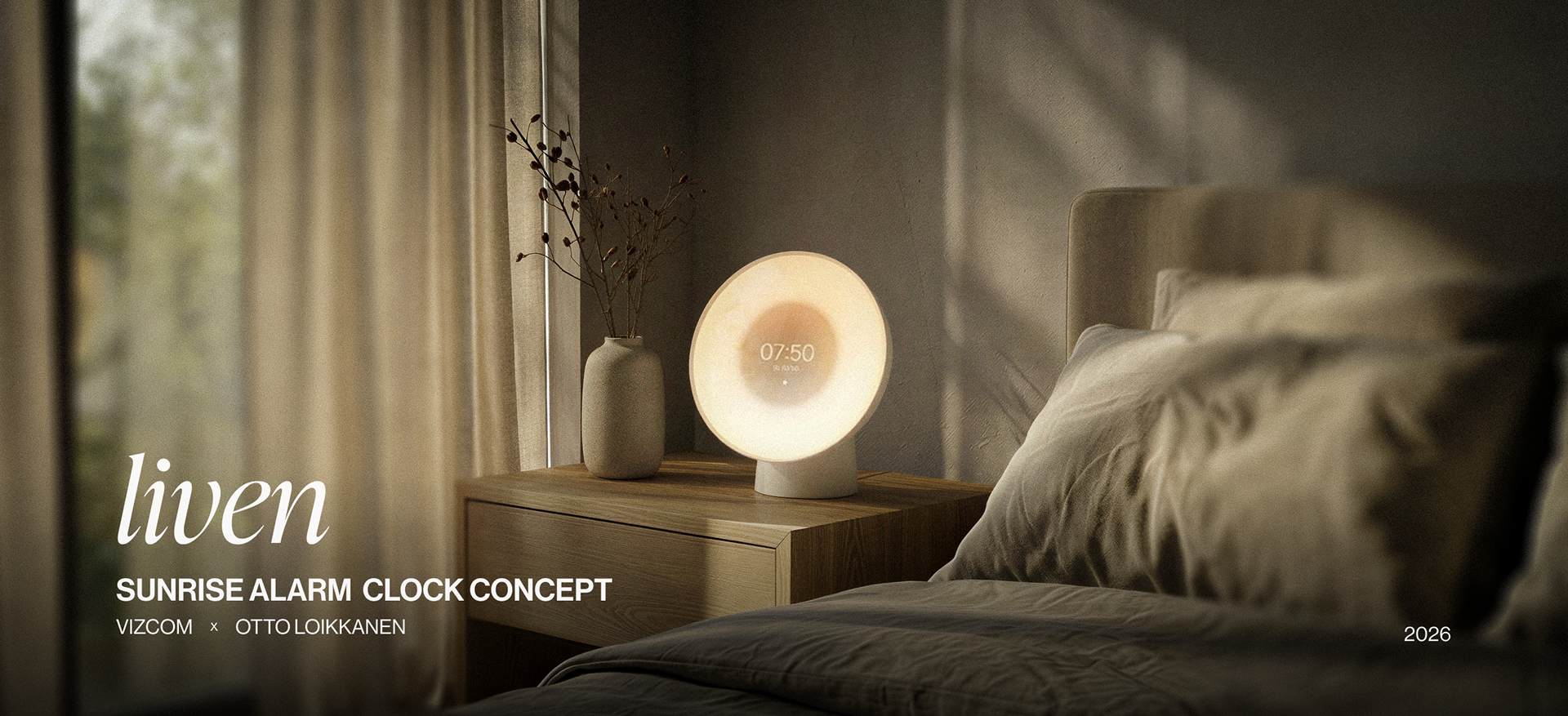
LIVEN
Sunrise alarm clock concept (2026)
Sunrise alarm clock concept (2026)
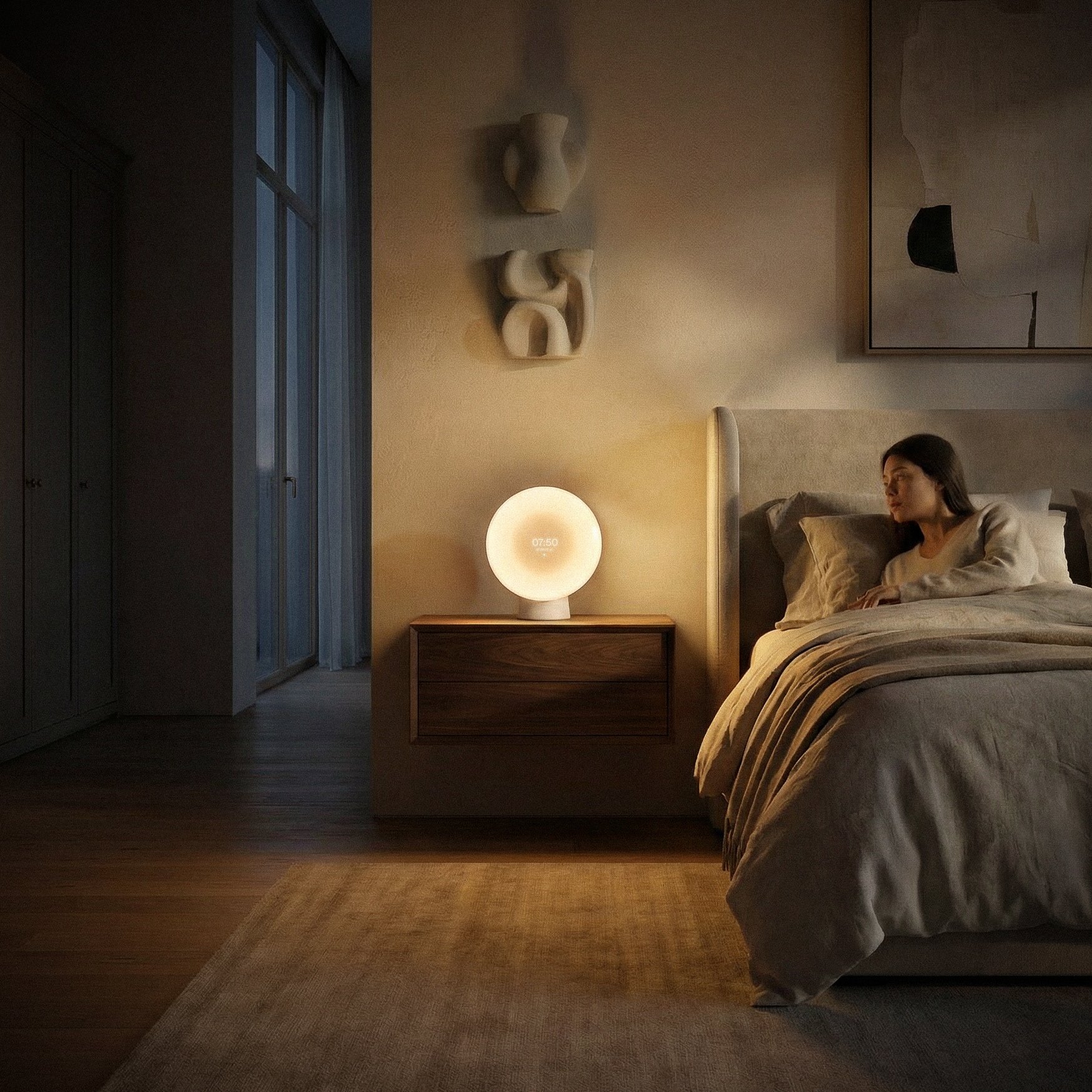
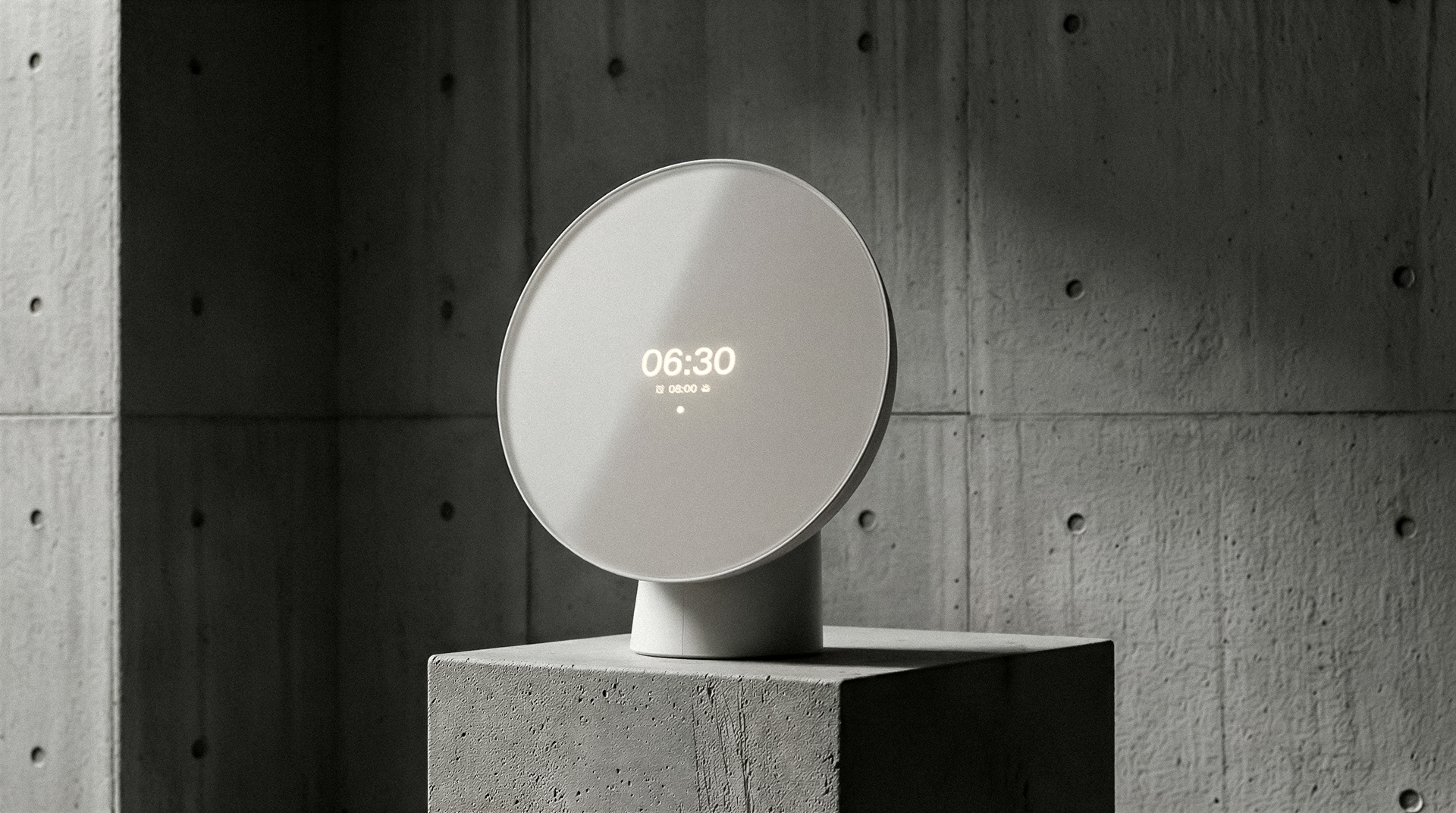
Liven up your mornings. Liven helps you wake up refreshed, more naturally, especially during the low-light months. The concept originated from a desire to create a sunrise alarm clock that fits most bedrooms, complementing the resting experience. Designed for lounging, reading, and gentler wake-ups, Liven aims to be an unassuming hero of the bedroom.
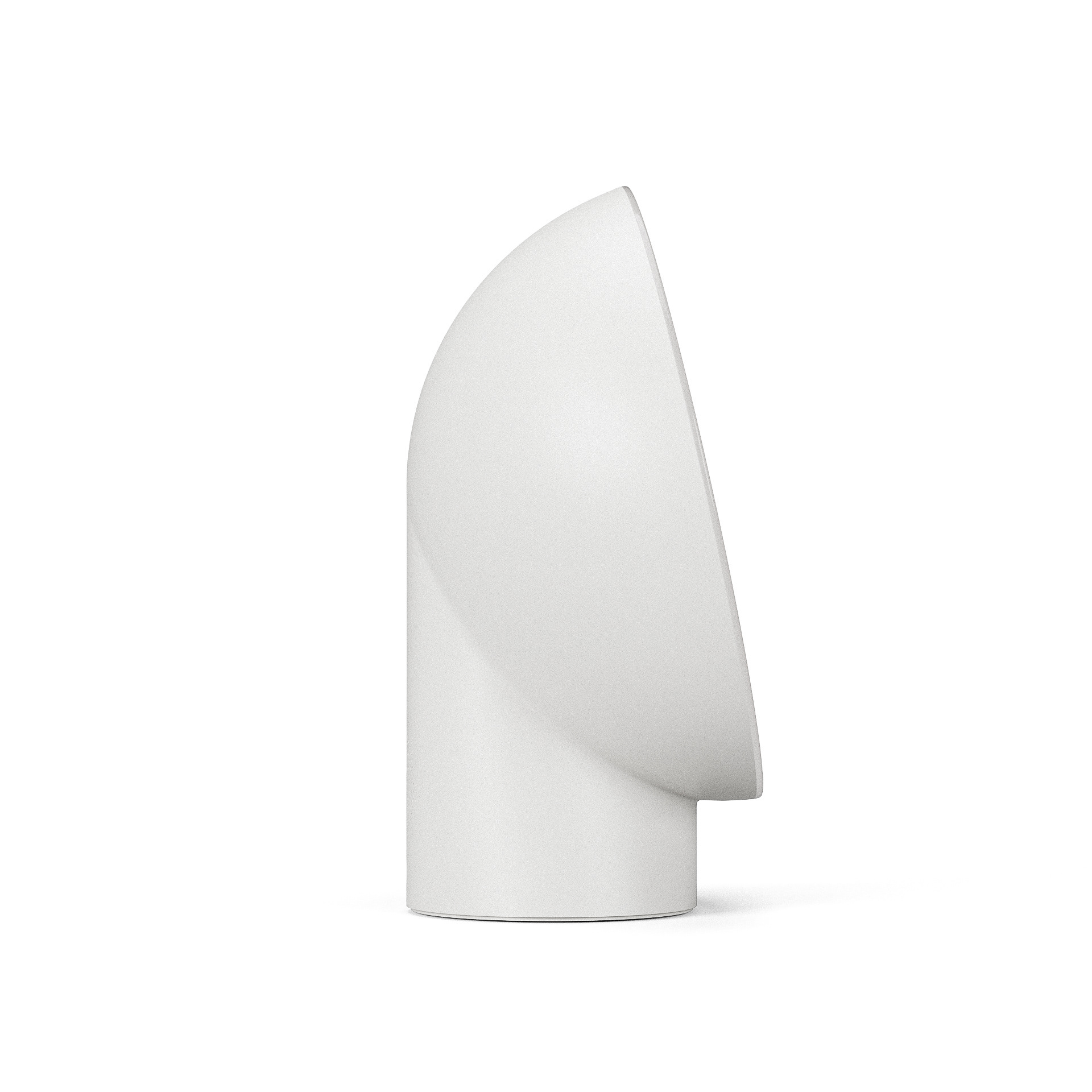
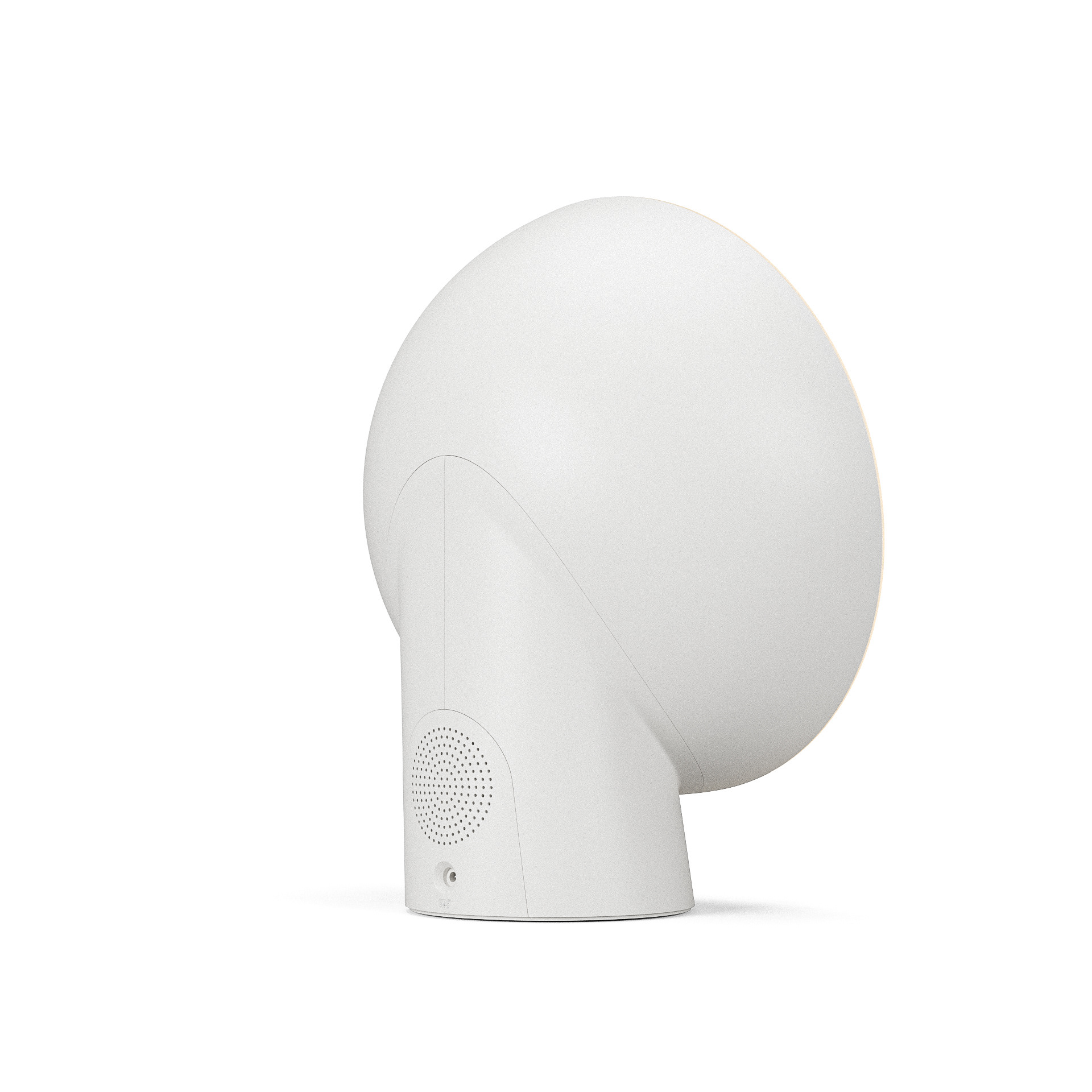
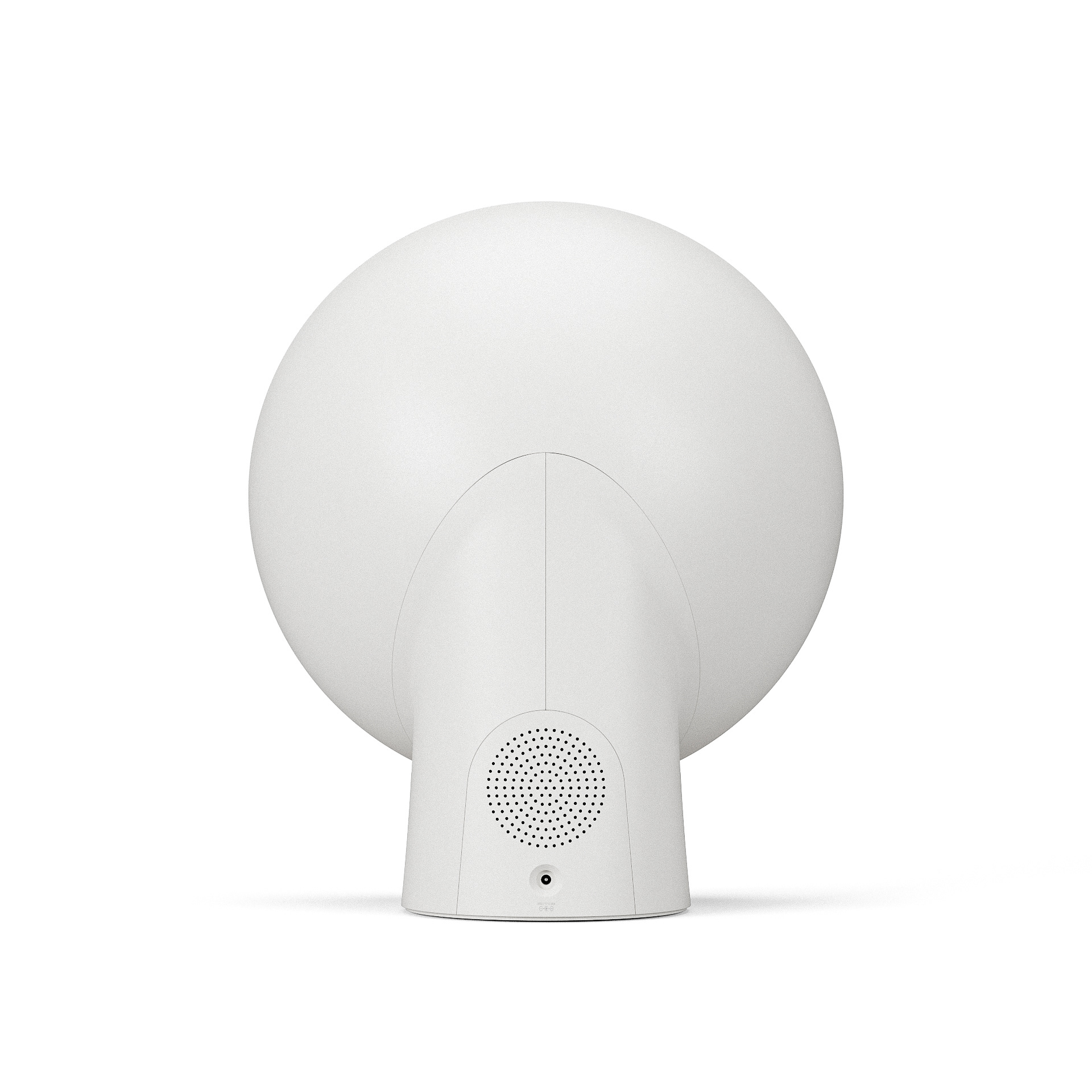
Work on Liven began in late October, when Jordan from Vizcom reached out with a proposal to contribute to Vizcom’s Hold Your Ideas campaign. I had been developing an idea for a more bedroom-friendly sunrise alarm clock and pitched it as a potential direction.
Daylight saving time had just ended, marking the darkest period of the year in Finland. We agreed the concept was fit for both the collaboration and the underrepresented sunrise alarm clock category.
This conversation marked the starting point of the Liven project.
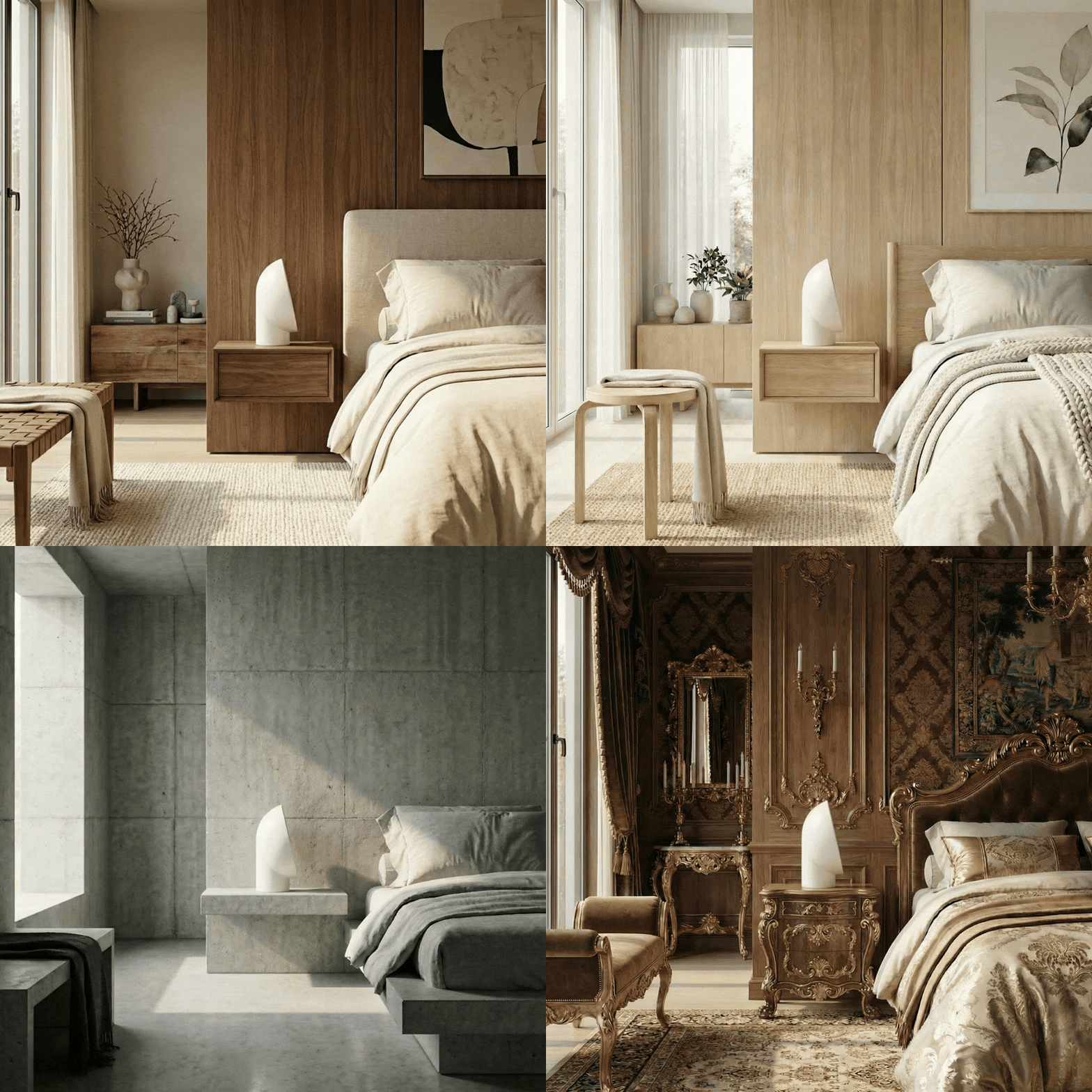
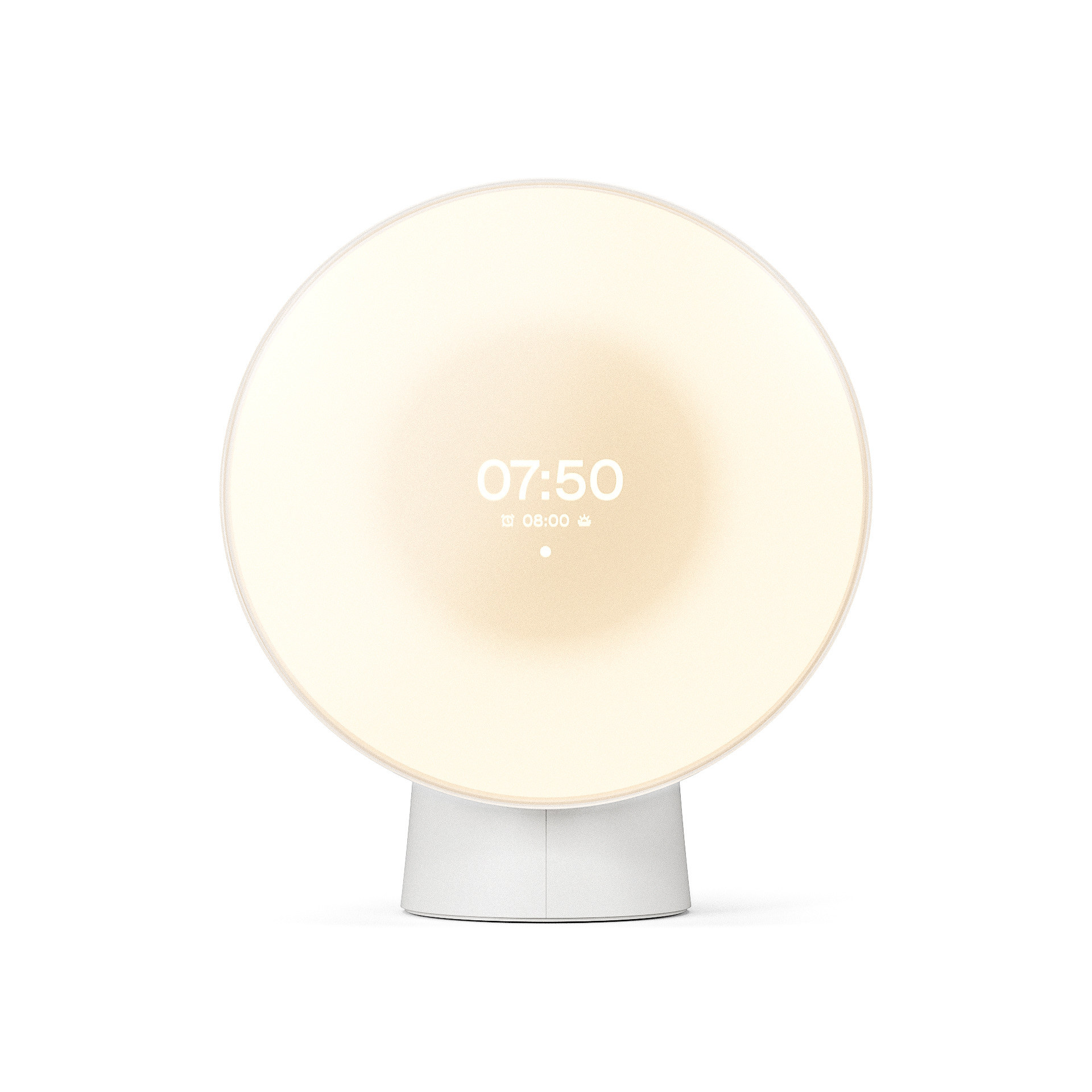
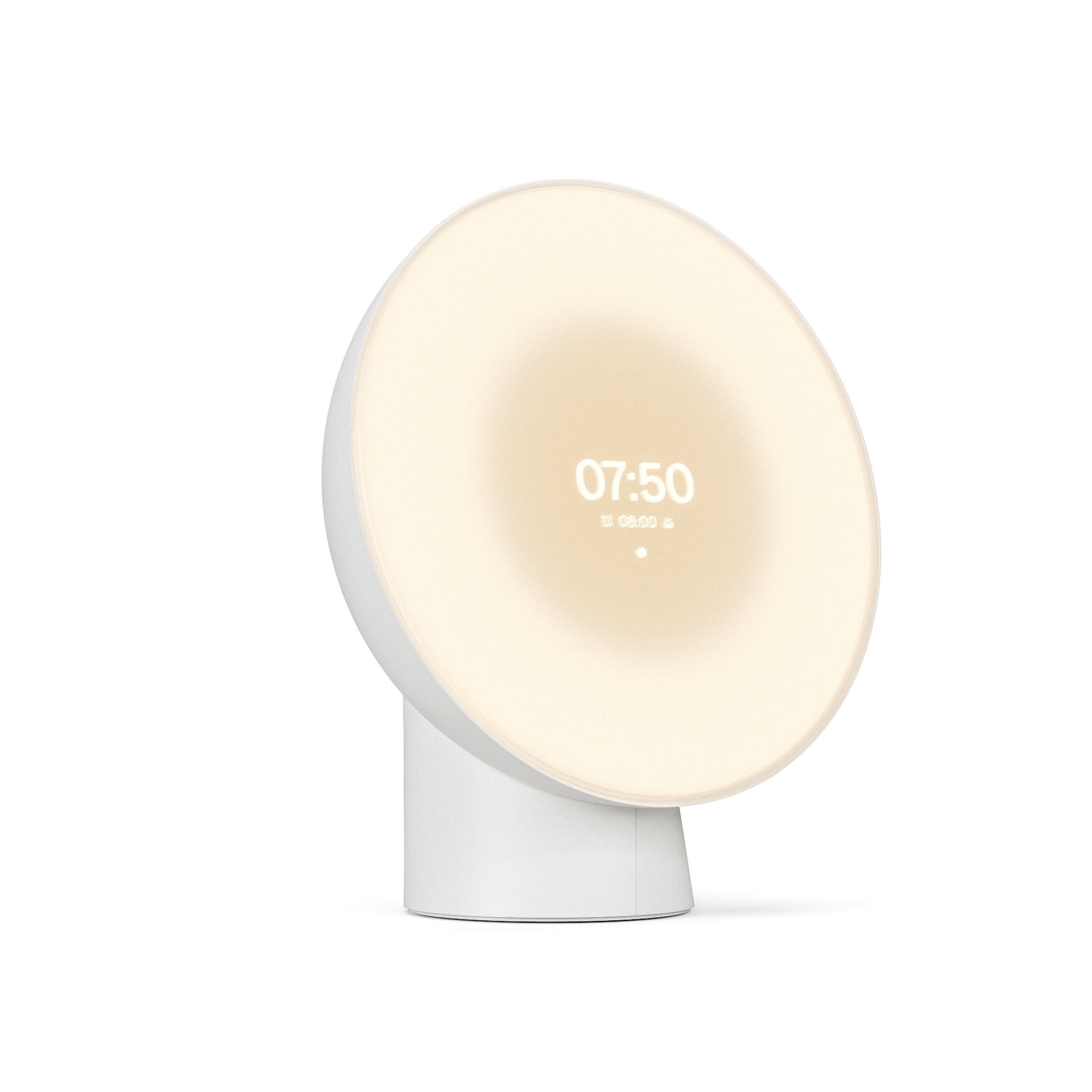
A key design driver behind Liven was creating a smart sunrise alarm clock without overtly futuristic or "smart" character. The goal was to find a balance between a smart tech product and a design object, a quiet harmony between aesthetics and technological function.
Ideation
It started the usual way, with sketching. I had an initial idea of combining a traditional dome shape with a simplistic geometrical base shape. The rationale was to employ traditional shapes present in modern and contemporary interior objects, to set a limit for the product's complexity. It should look like a design table lamp, not a sci-fi movie prop.
With this idea in mind, I produced plenty of sketches, some highlighted below.
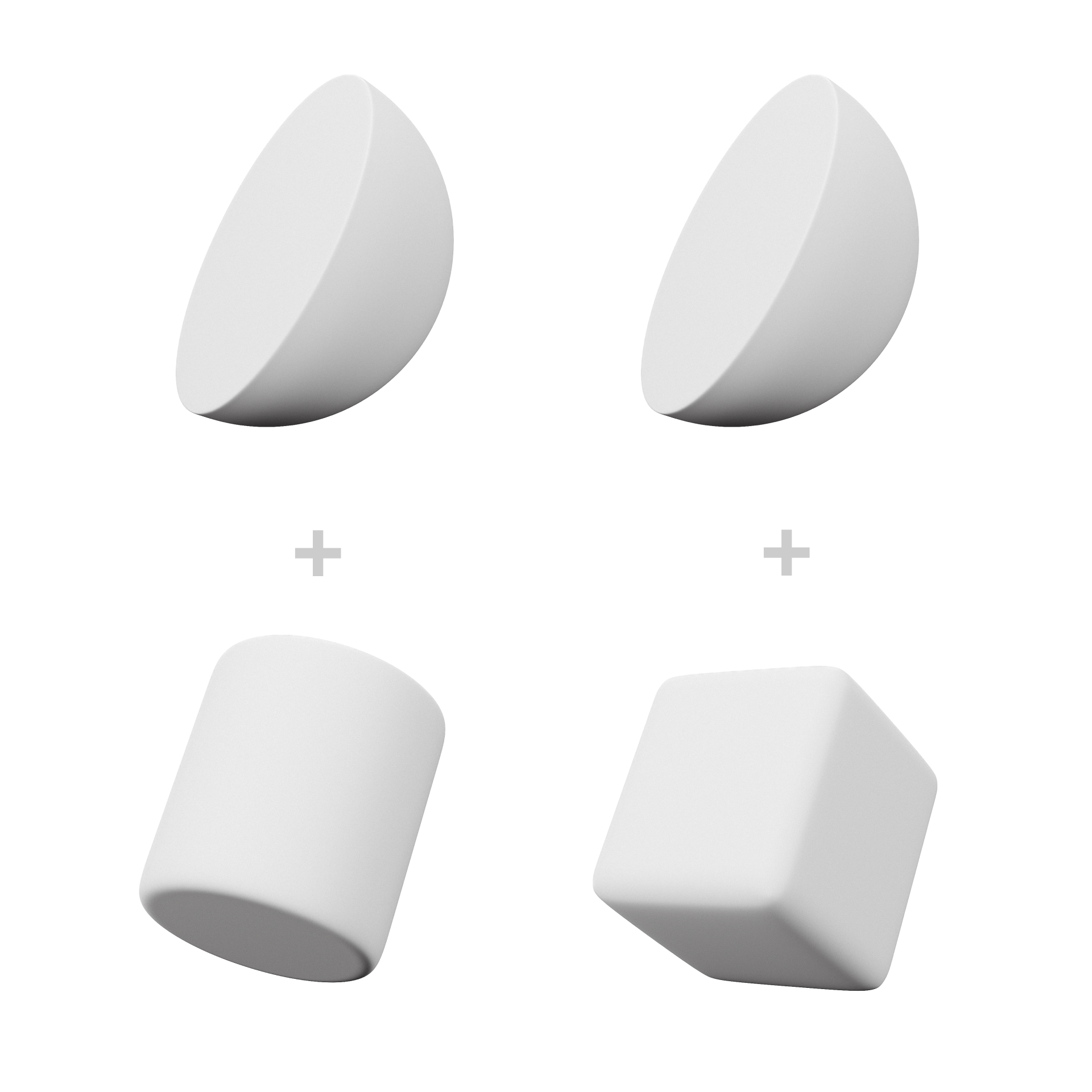
INITIAL FORM IDEA
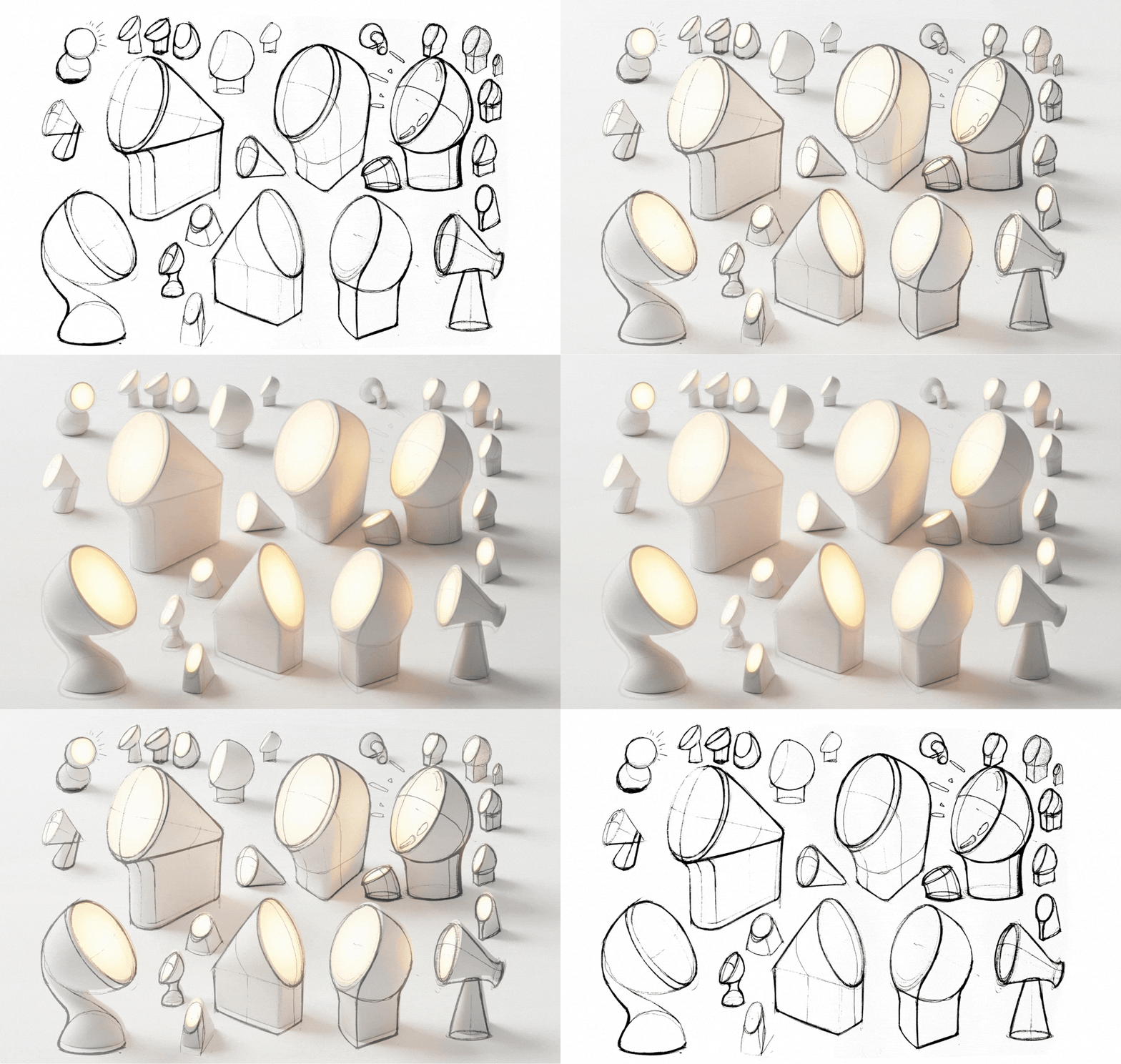
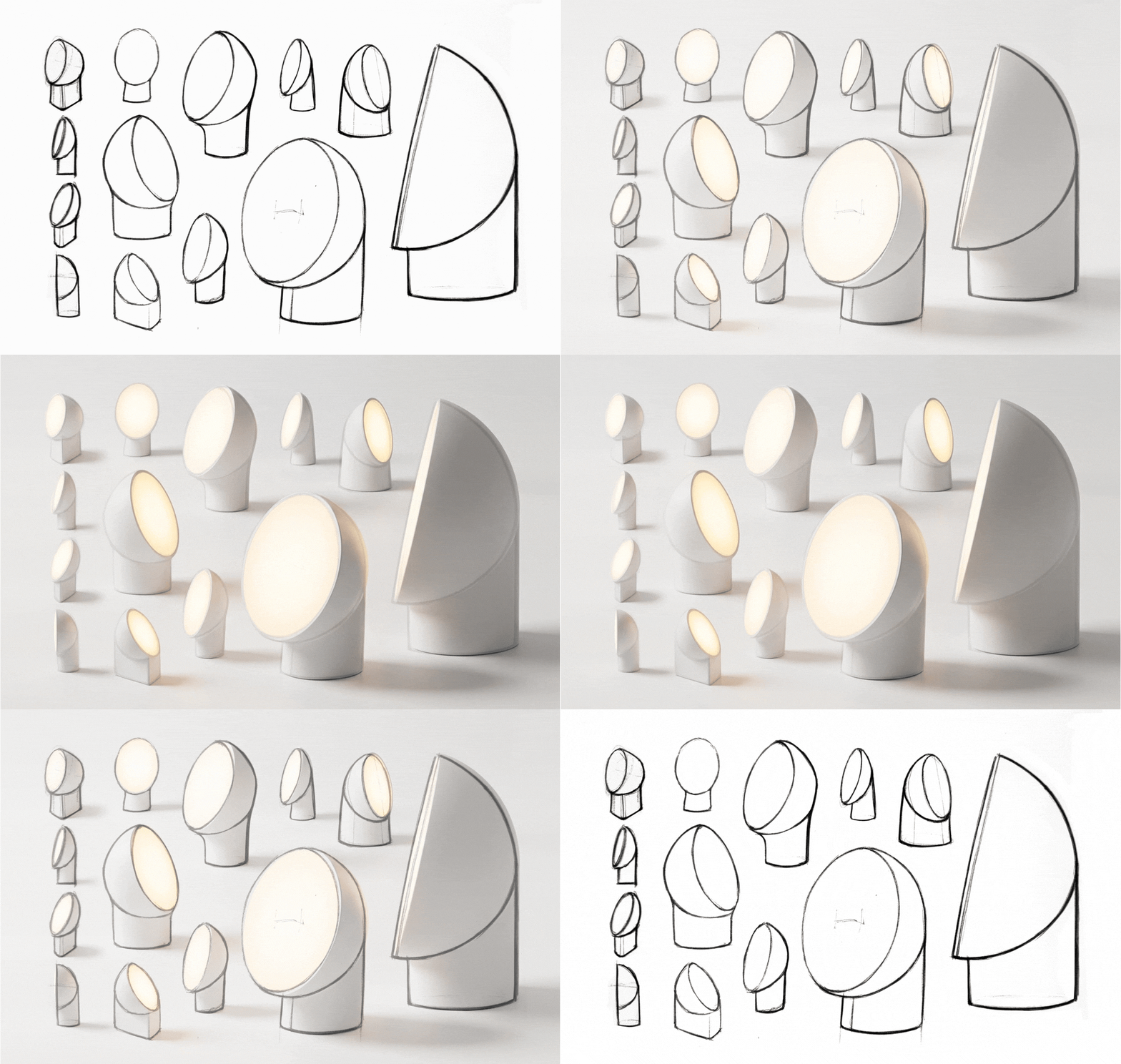
I kept the stylizing of the sketches to a minimum, and skipped the hand rendering part, knowing that I can render and variate the renderings in Vizcom.
Forming
With these images as a reference, I had an overall idea of the shape, but these images alone didn't show all the details of the surfaces in three dimensional space. I opened my CAD of choice and started refining the shape.
With these images as a reference, I had an overall idea of the shape, but these images alone didn't show all the details of the surfaces in three dimensional space. I opened my CAD of choice and started refining the shape.
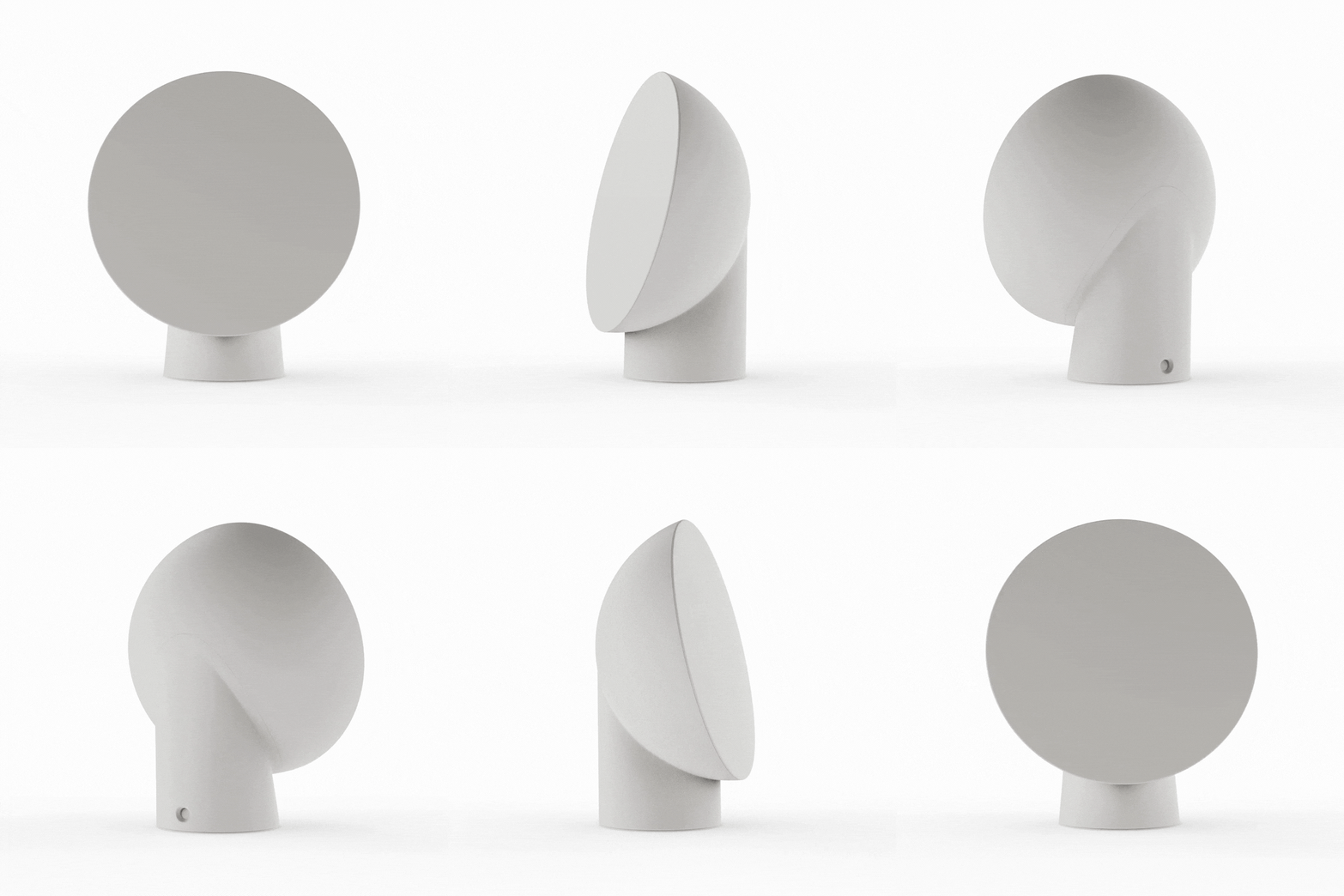
REFINED MAIN FORM (SW+KS)
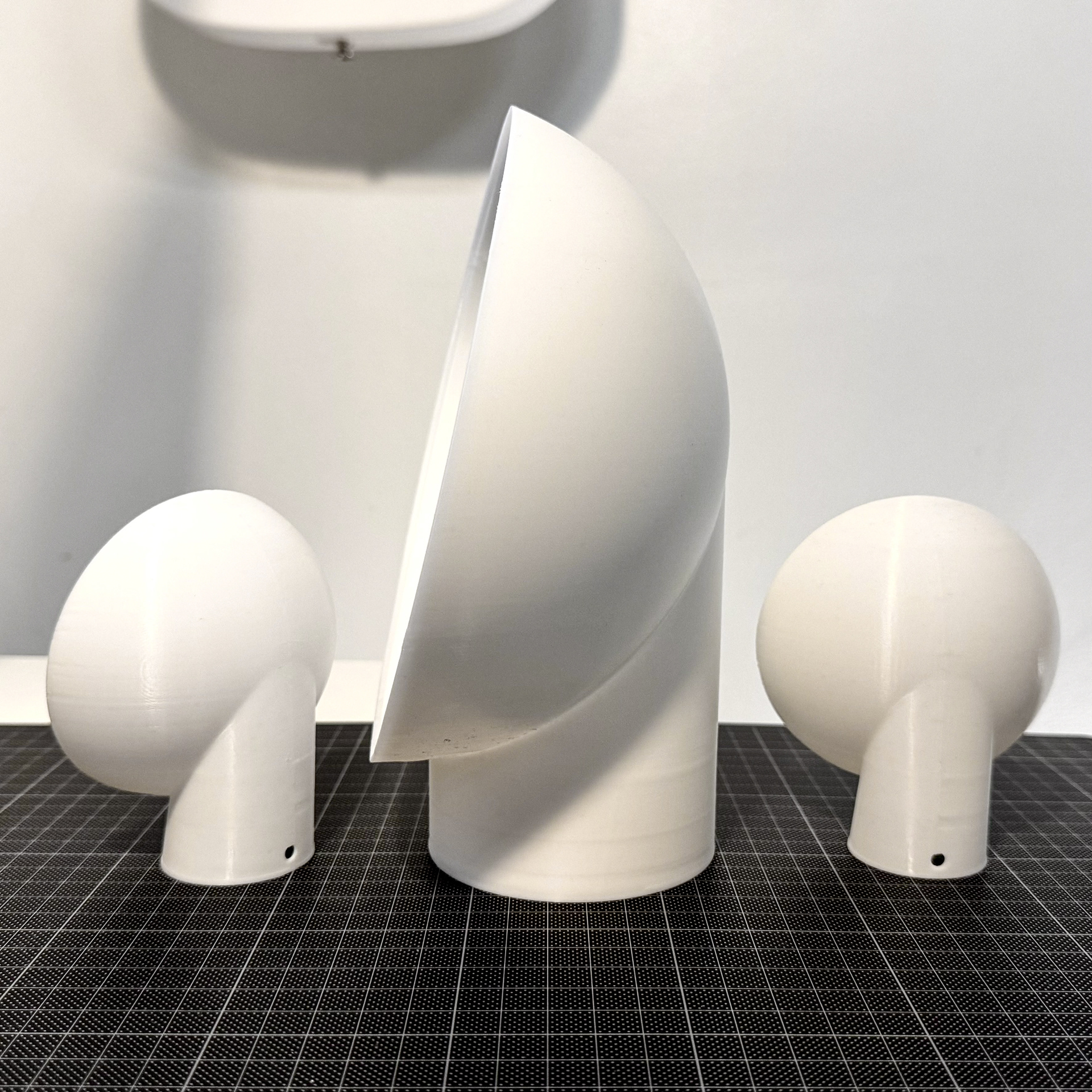
After this hard to document era of iterative keyboard smashing, pleasing combinations of form and surfacing were found. I 3D printed scale mockups of this version, and tweaked some dimensions to look and feel better when presented in the physical world.
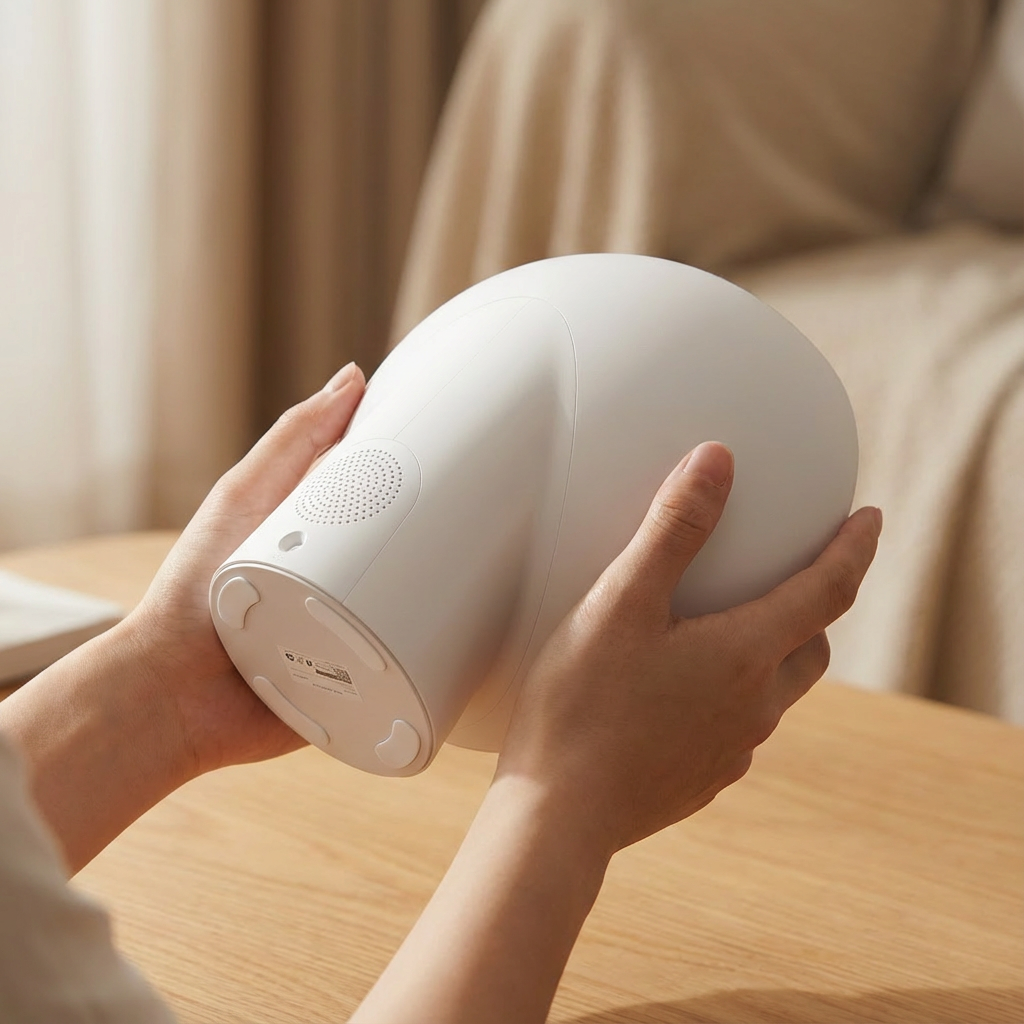
With the main shape ready, it was time to flesh out the details. I created various cuts and grooves to make the object manufacturable. A good alarm clock also needs a speaker, and preferably electricity. When designing these details, I decided to try "sketching" the ideas with Vizcom again.
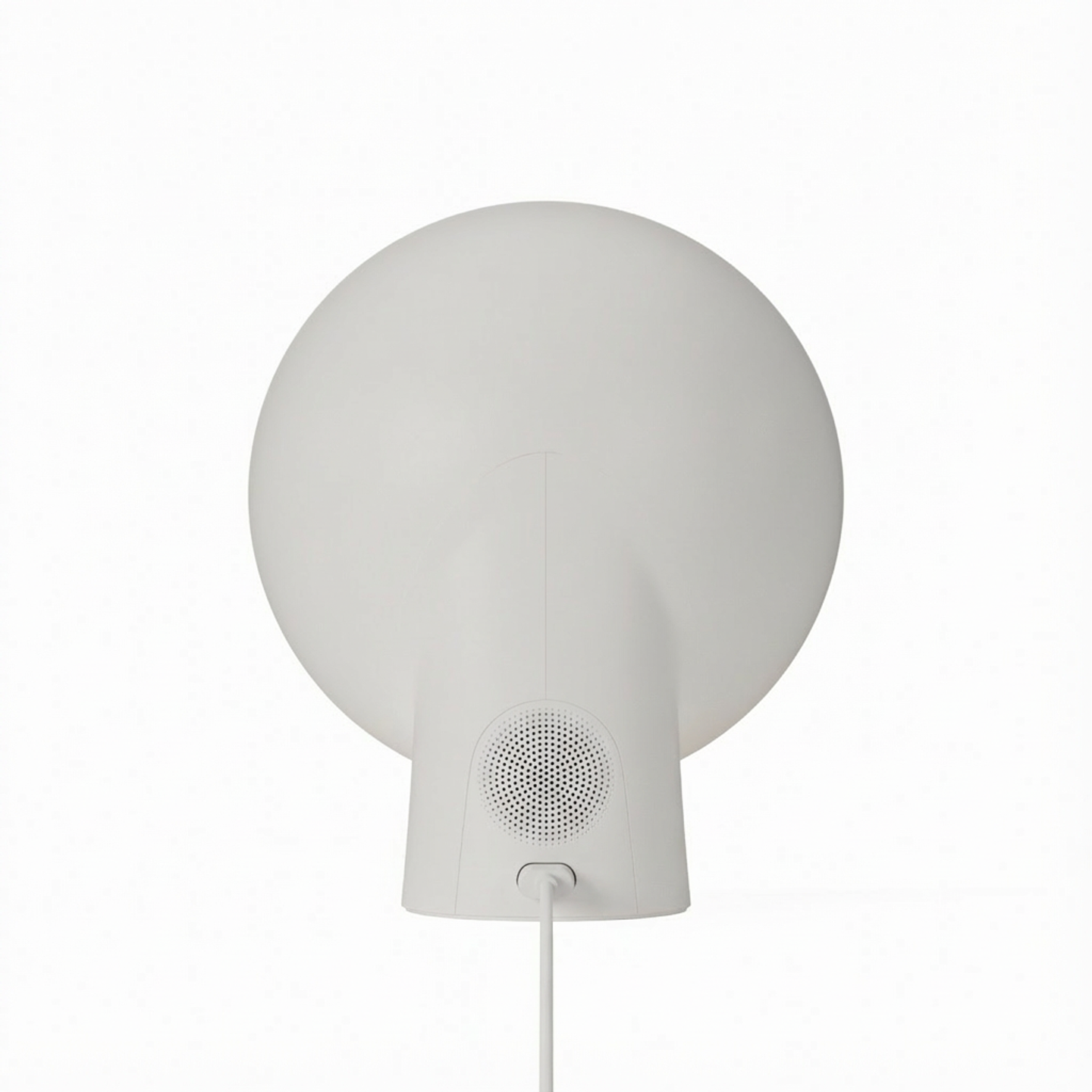
DETAILS ADDED TO EARLY HERO RENDER IN VIZCOM
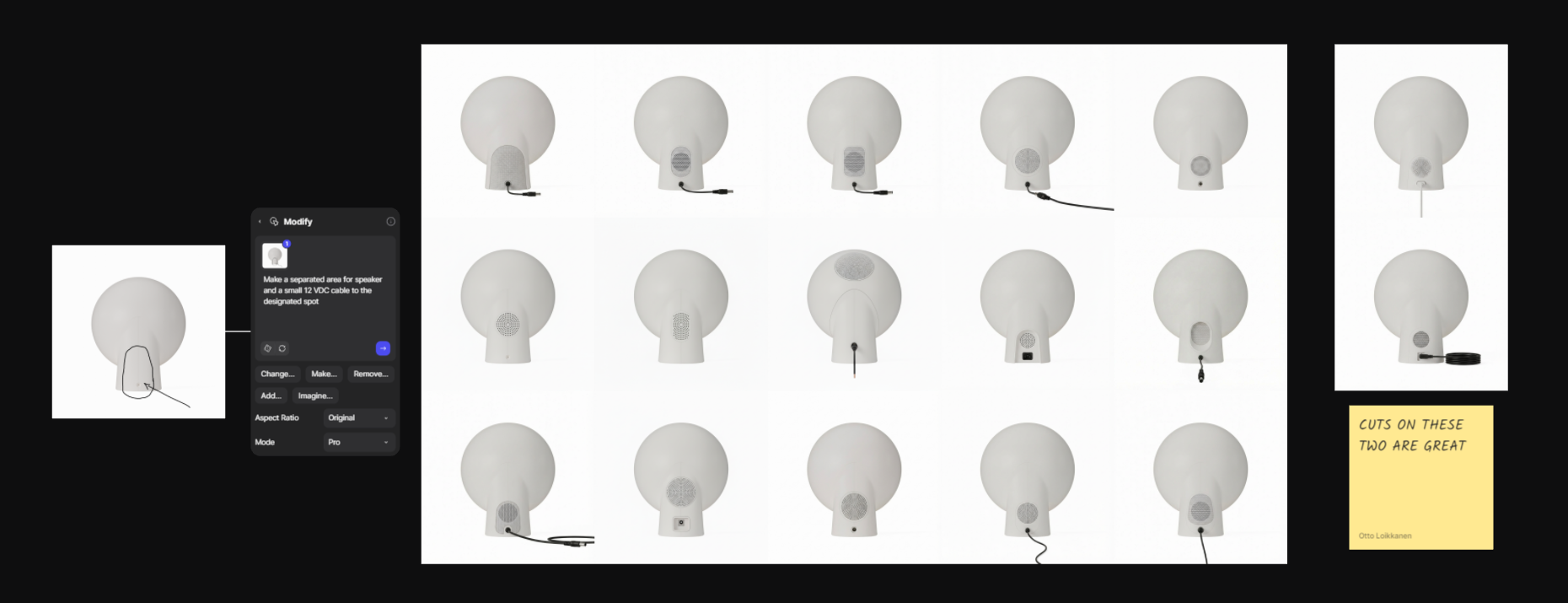
SELECTED VIZCOM BACK DETAILS
I picked the best ideas from a vast amount of these Vizcom sketches, re-designed them to fit my design intents, and proceeded to modelling a polished version of the design.
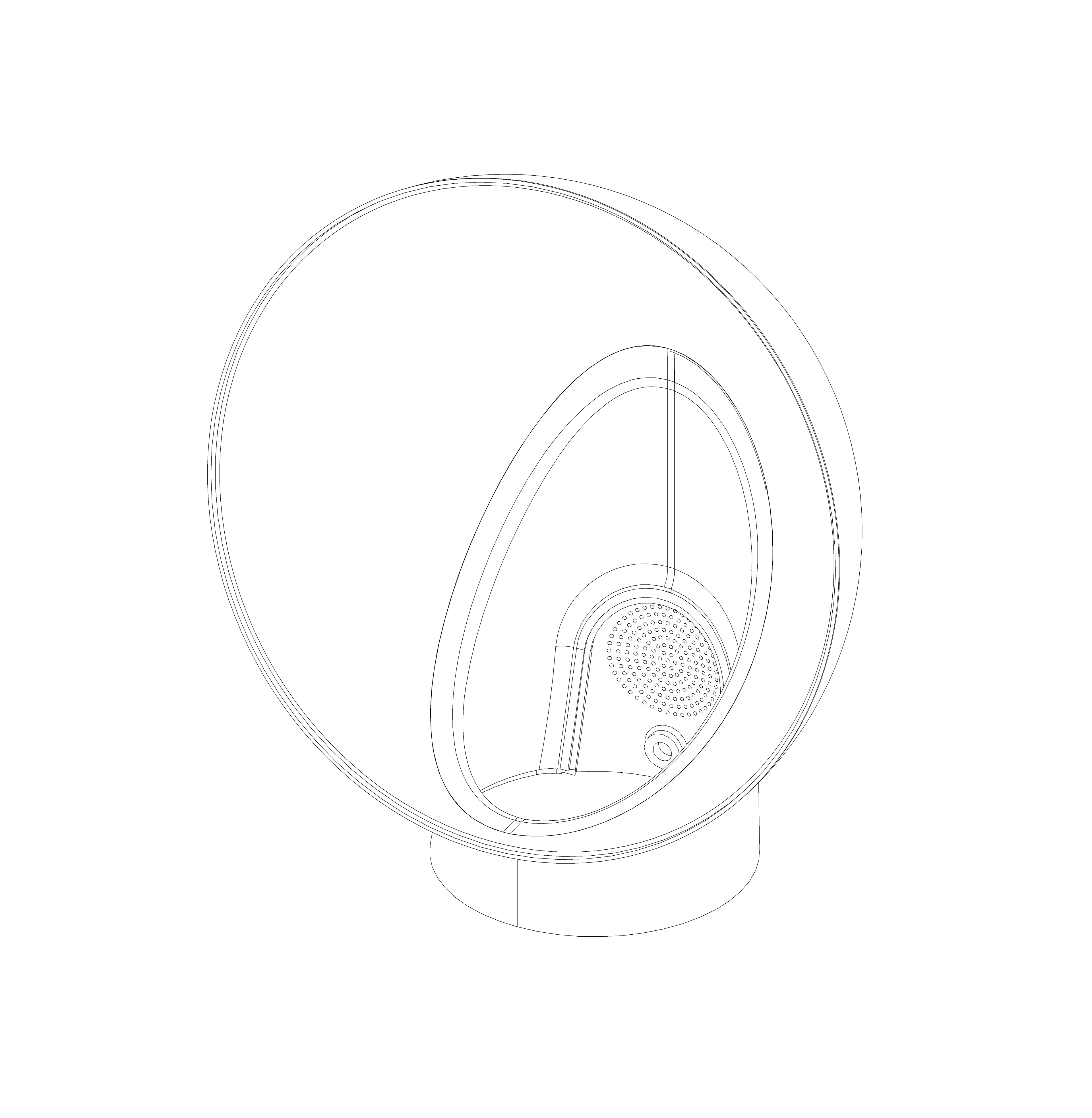
DETAILED MAIN BODY PARTS ASSEMBLED
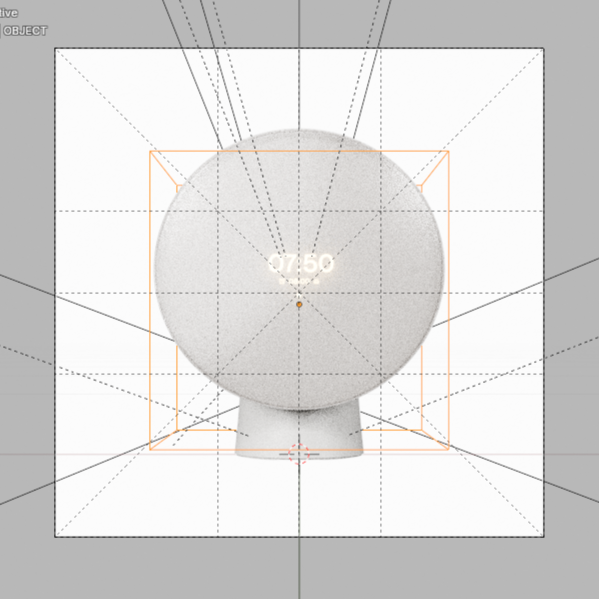
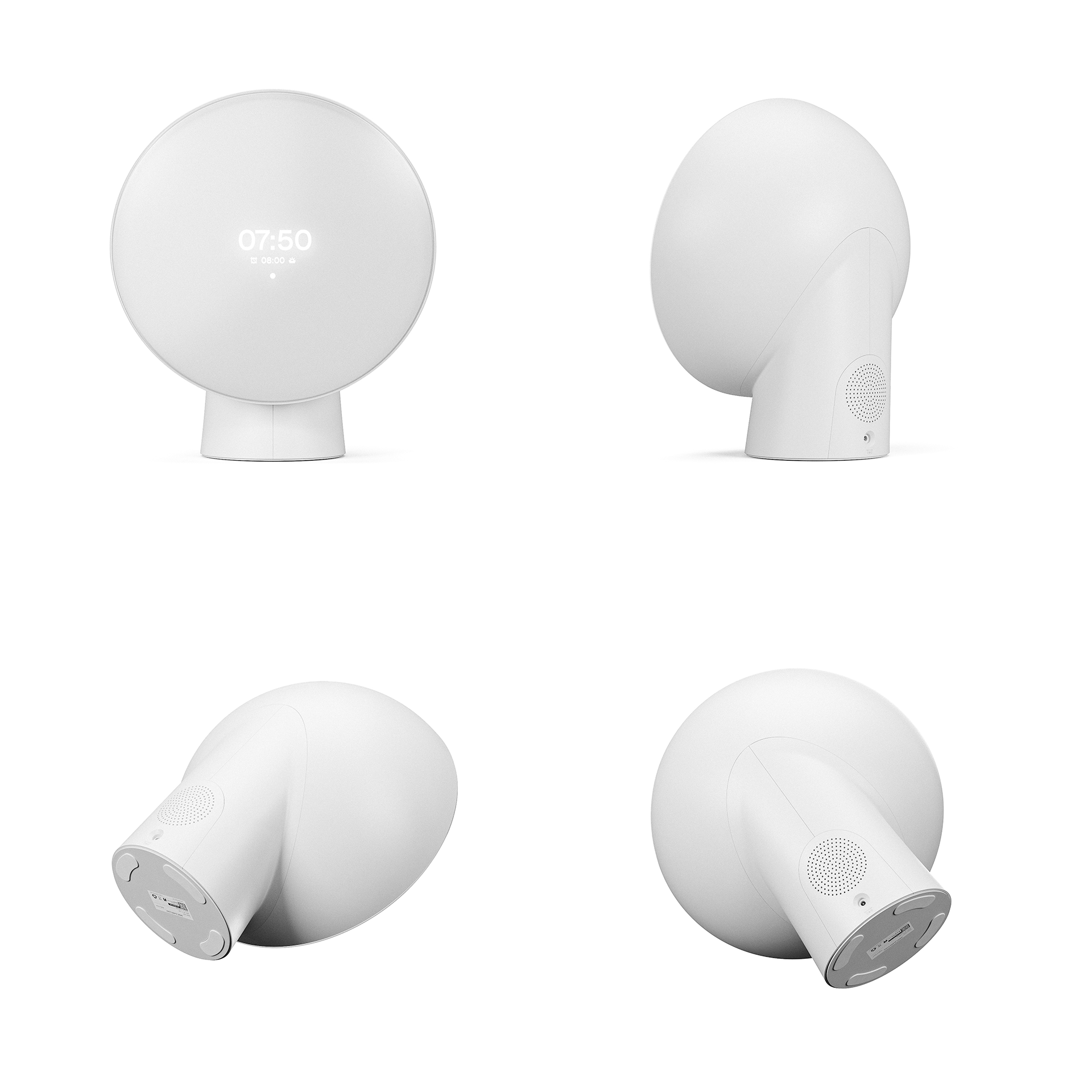
Rendering
With the complete CAD model ready, I imported the files to Blender for detail work and rendering. The CAD files were (auto)remeshed for proper workflow, and all the details, texturing and rendering were done in Blender.
All hero renderings were done manually in Blender. With these high quality product images ready, it was time to bring the object to life with Vizcom.
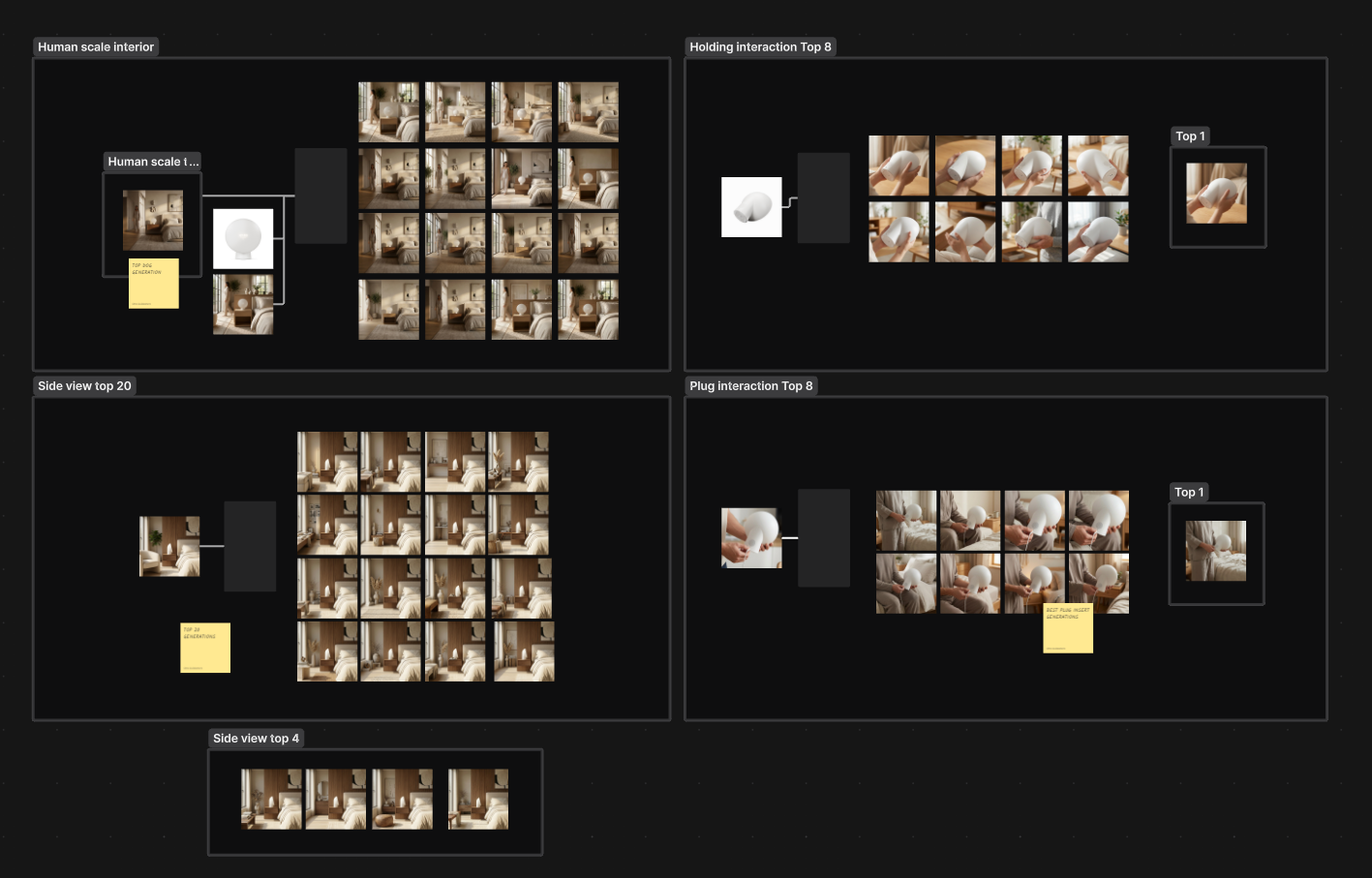
With Vizcom, I focused on generating interaction and contextual renderings. This process has previously been a tedious hunt for good source images, so in this part of the workflow Vizcom both made life easier, and gave greater control over the details and styling of the image generation.
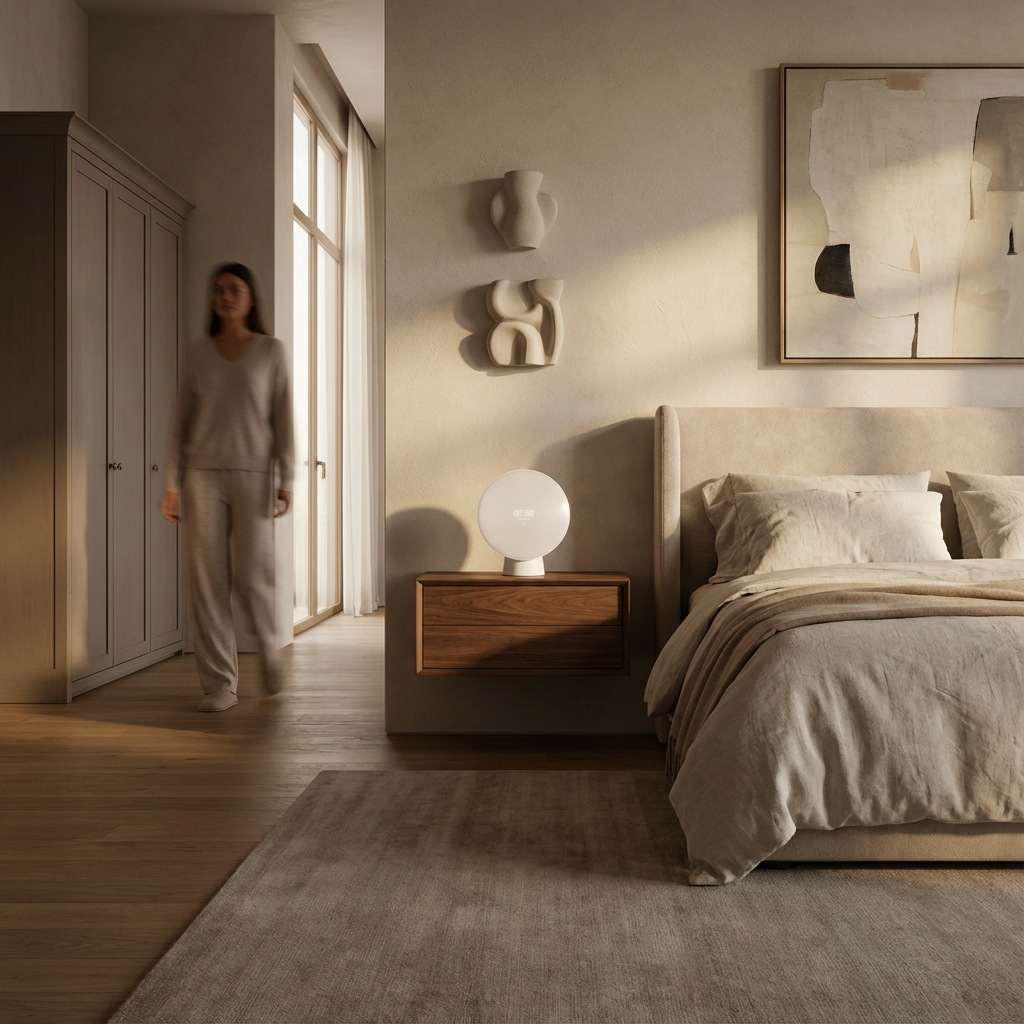
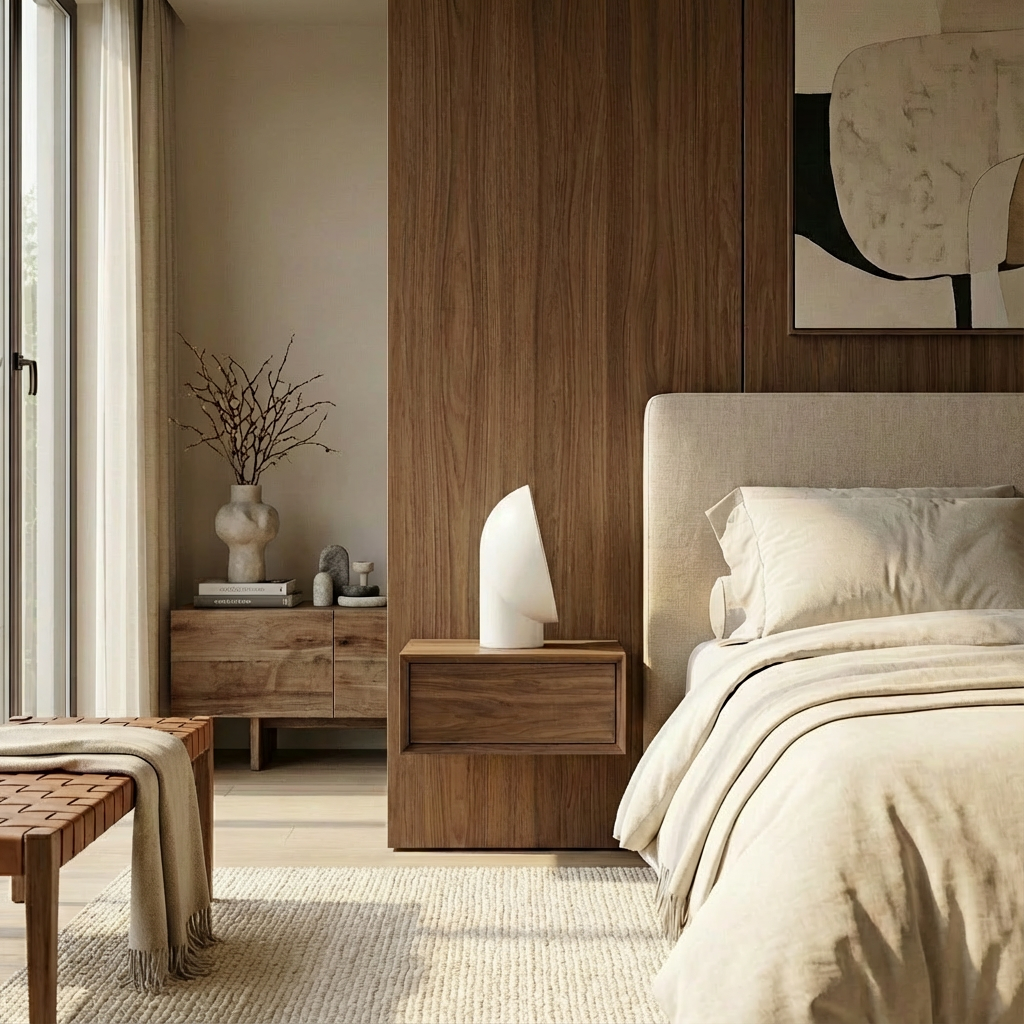

The Experience
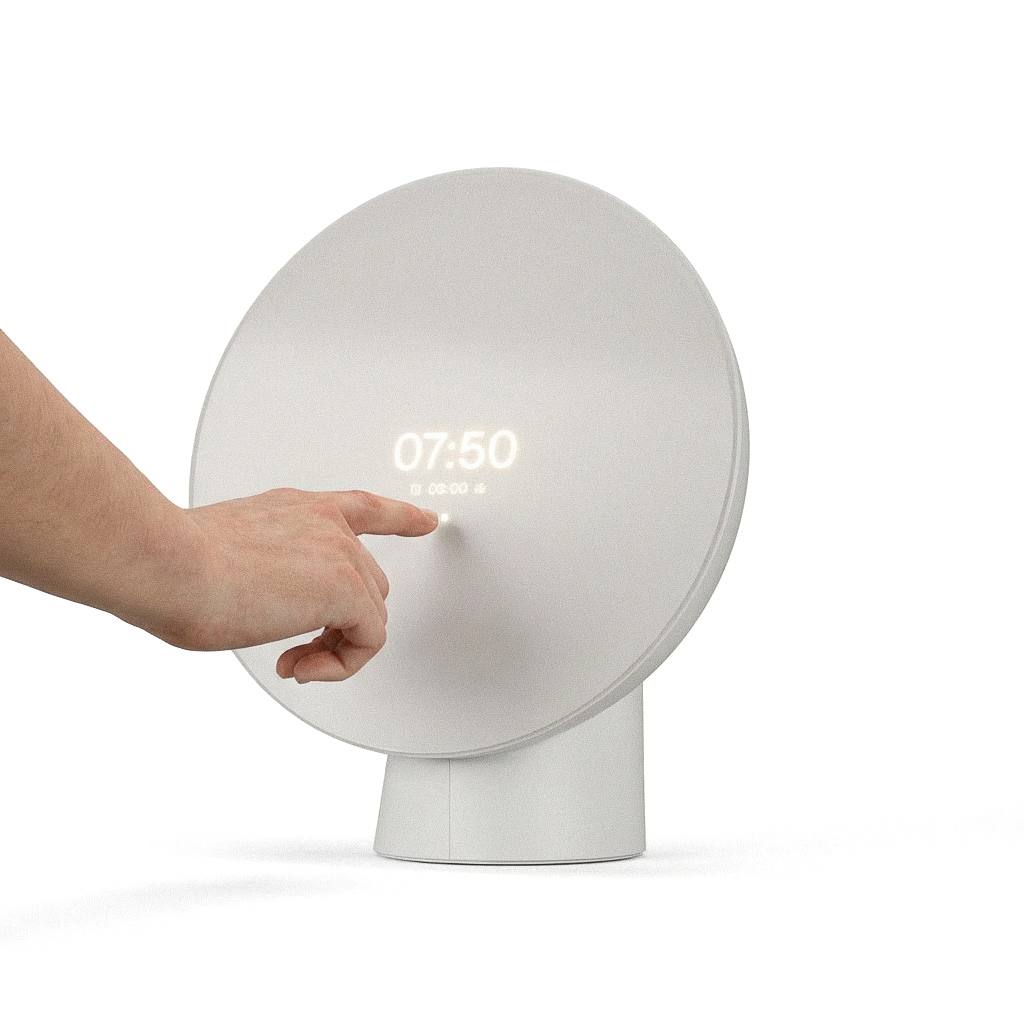
The Liven clock is designed to be an app-controllable smart device. There's still a balance to find between an in-app experience, and manual controls on the physical product. You don't want to have to drag your phone out every time you interact with an alarm clock.
The device's basic controls can be found behind the unobtrusive dot design. In this interface, the user can control all the daily functions Liven has to offer.
The device's basic controls can be found behind the unobtrusive dot design. In this interface, the user can control all the daily functions Liven has to offer.
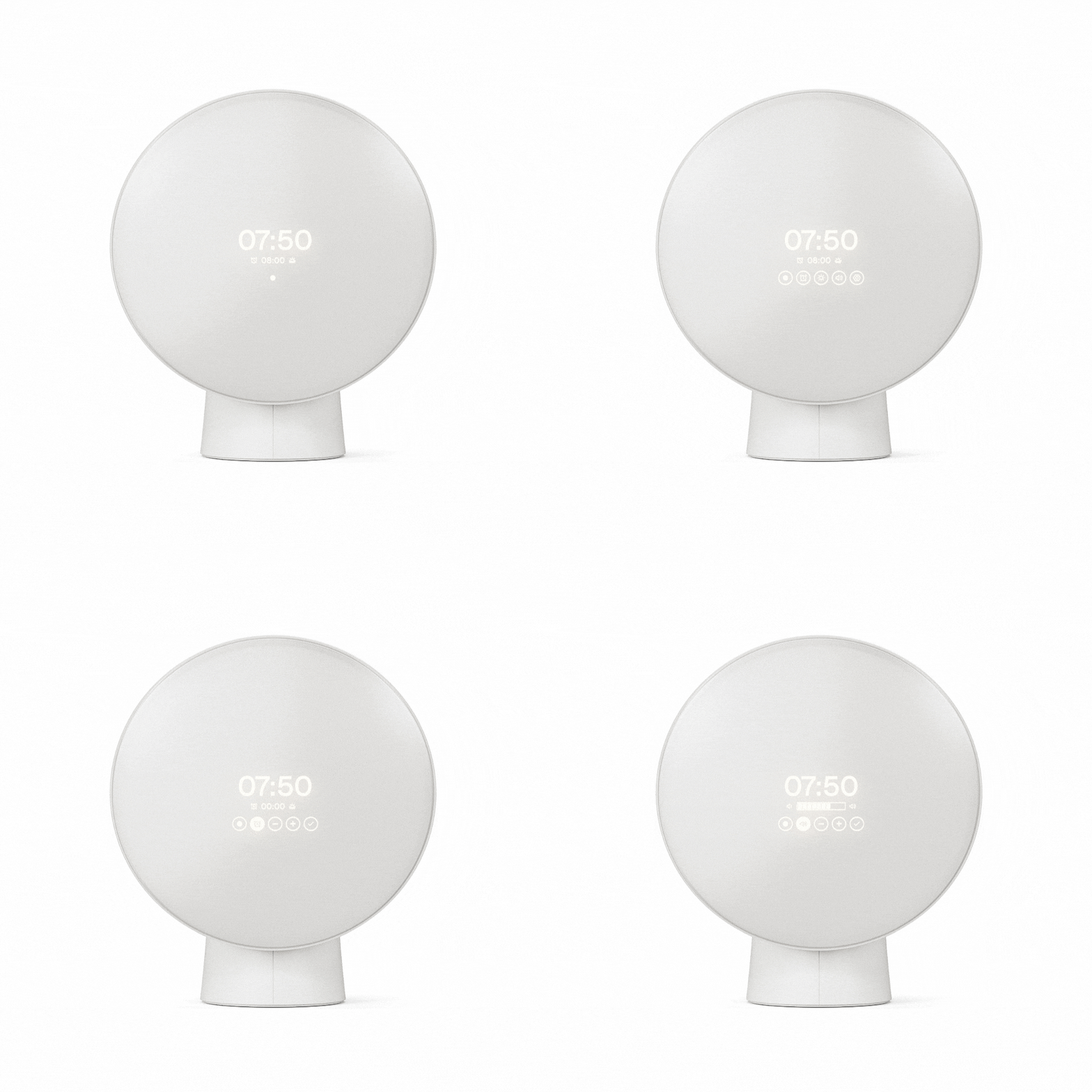
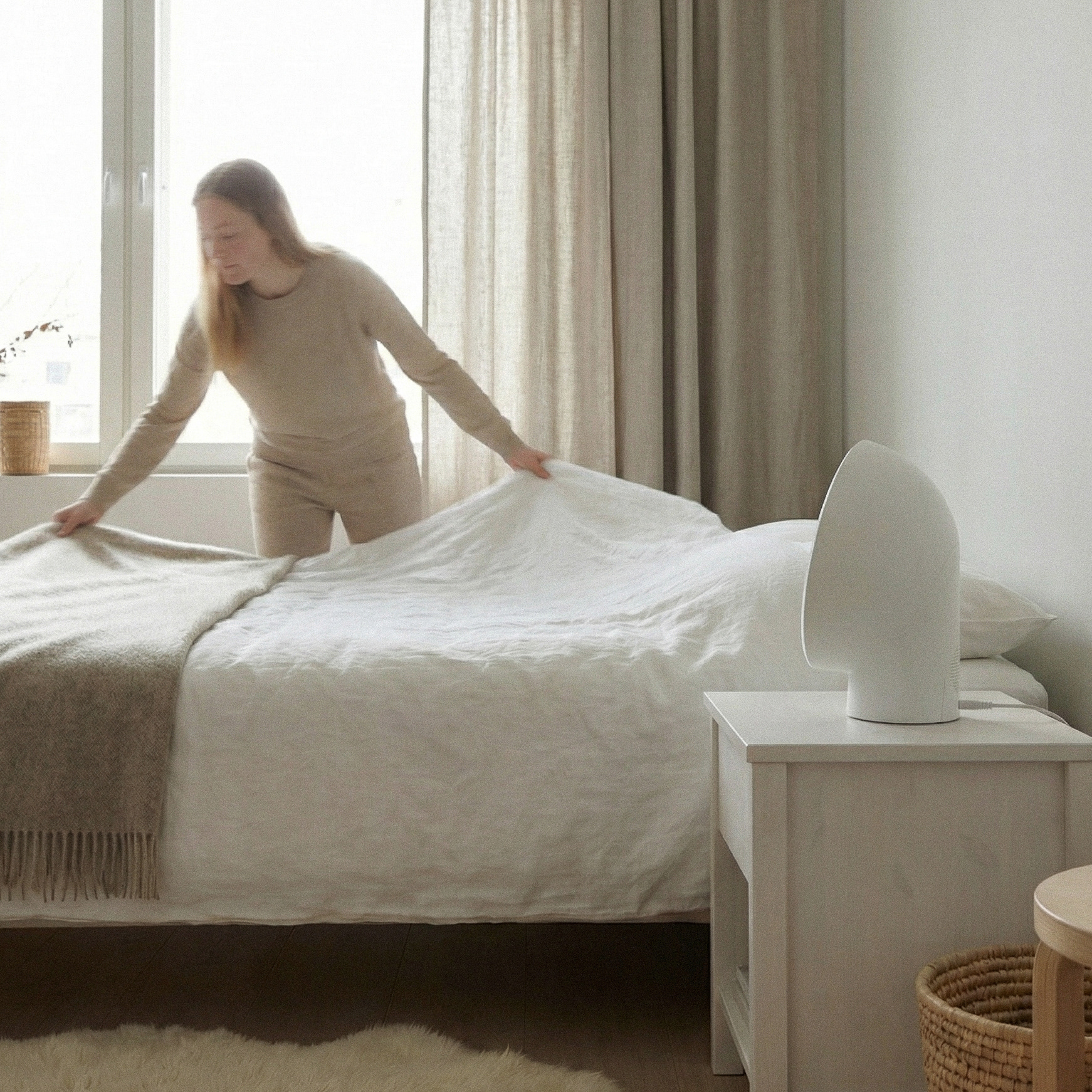
It's likely that your alarm clock spends majority of it's time in an off-state. In this state, Liven acts as a geometric design object.
When in action, Liven mimics the sunrise, and gradients from reddish tones to bright daylight.
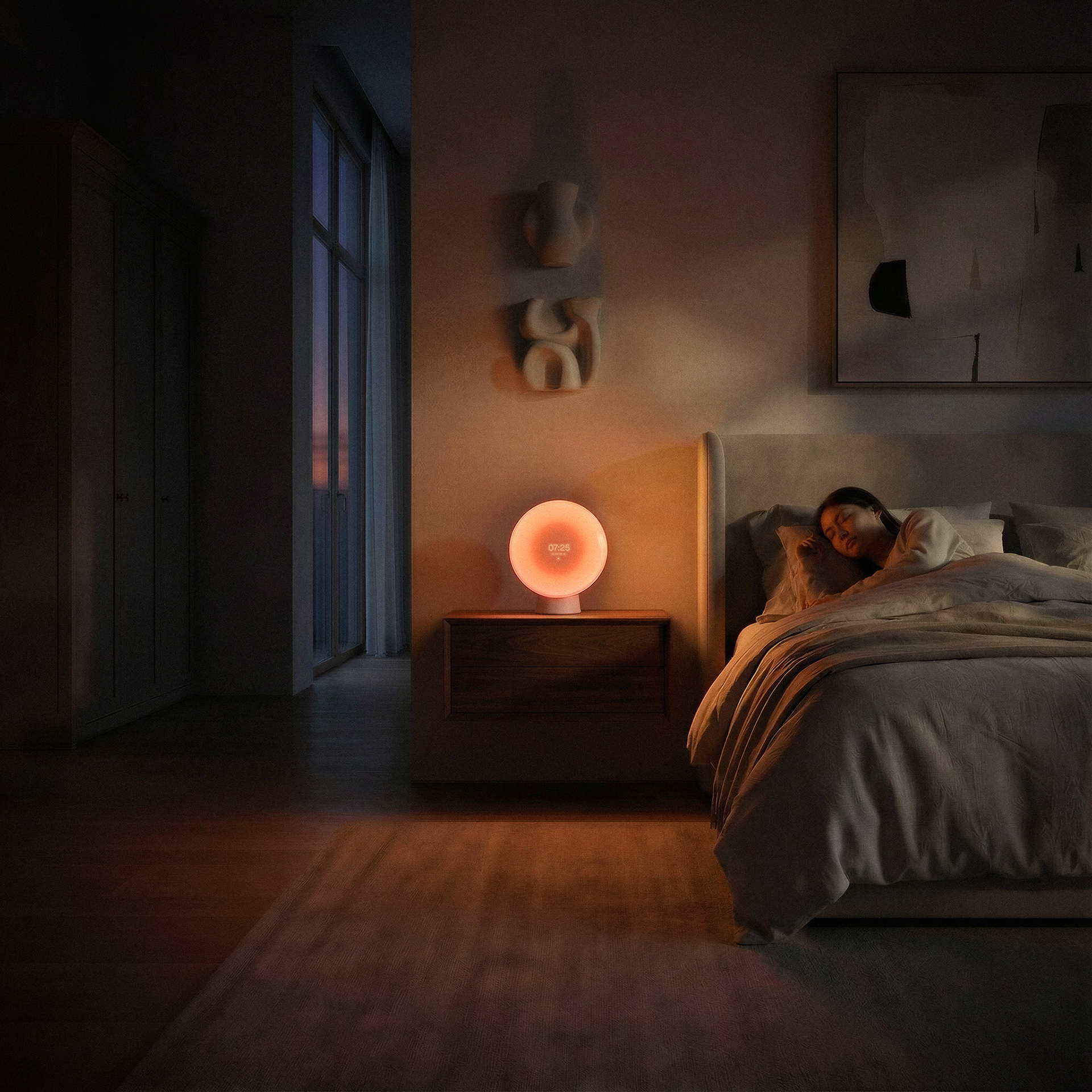
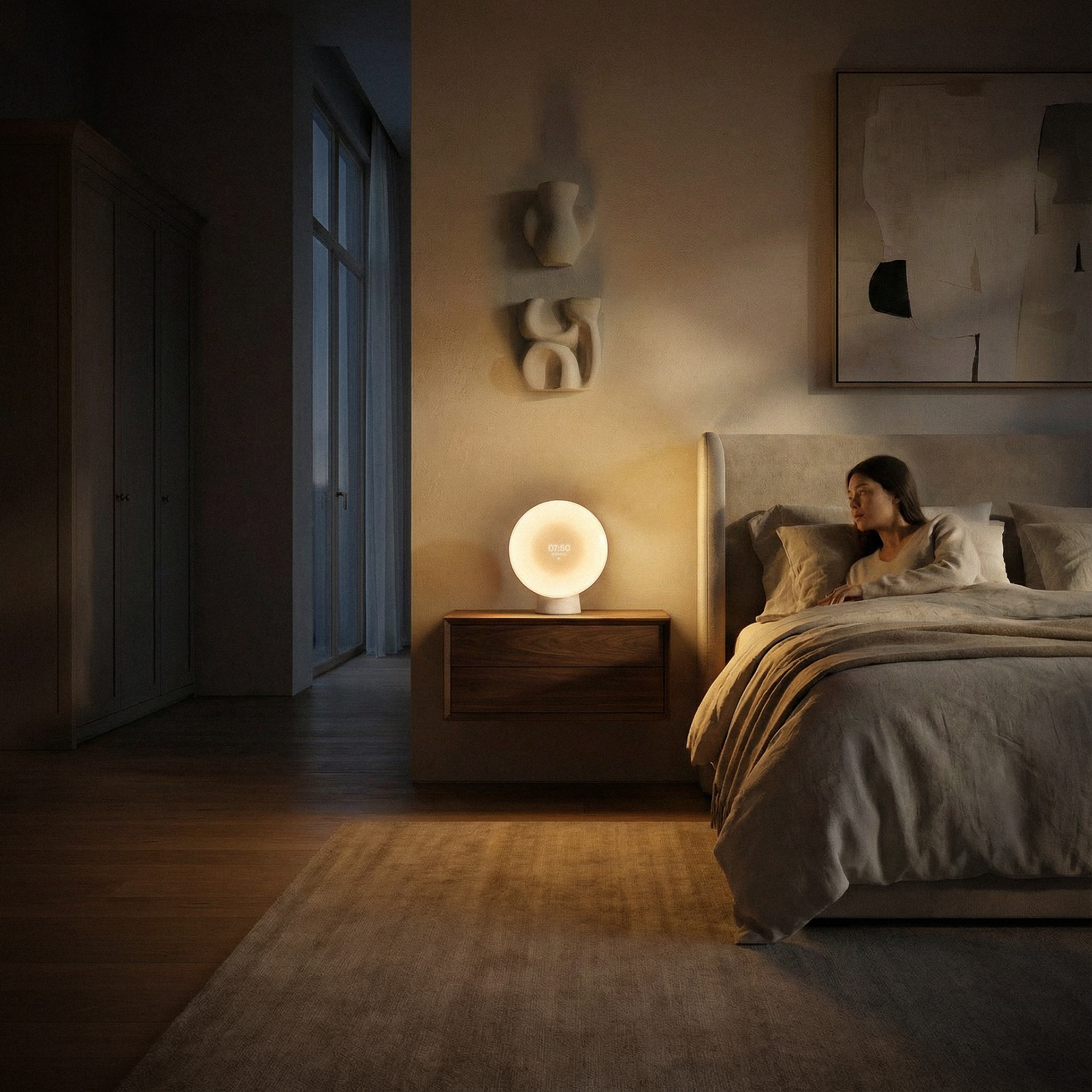
With Liven, you can wake up naturally, even when the natural conditions aren't in your favor.
On using Vizcom / AI
After using Vizcom daily for over a month at maximum capacity, I think it's a great AI tool directly designed for designers. It's easy to find steps in ones workflow where Vizcom greatly speeds things up.
I made a conscious decision to design the product completely "by hand". As a designer, I want to be in control of the products I'm producing, down to the last detail. However, for "sketching" and less crucial pre-production materials like interaction shots, Vizcom helps to realize the concept earlier, and more realistically than, for example, photobashing.
I firmly believe that each tool should be used to supercharge your work, not be in charge of your work. Vizcom fits into this philosophy, since it sped up part of the usual workflow, and assisted in creating some of the more tedious materials.
While doing this, it did a great job not distorting my original designs too much. While some distortions are present in the material, I believe the accuracy of these tools will increase over time.
Thank you!
I hope you enjoyed the project. It was one of my most material heavy projects, so every detail is not covered in this presentation. If you'd like to know more about the project, please contact me and I'll happily go through the entire process.
Blog post from Vizcom's end is coming soon..